Ultrawide Monitors for Developers: 3440x1440 Reality Check
Is the 34-inch ultrawide a productivity miracle or a marketing myth? Six months with a 3440x1440 panel, measured against a dual-monitor setup — the good, the bad, and the neck-ache.
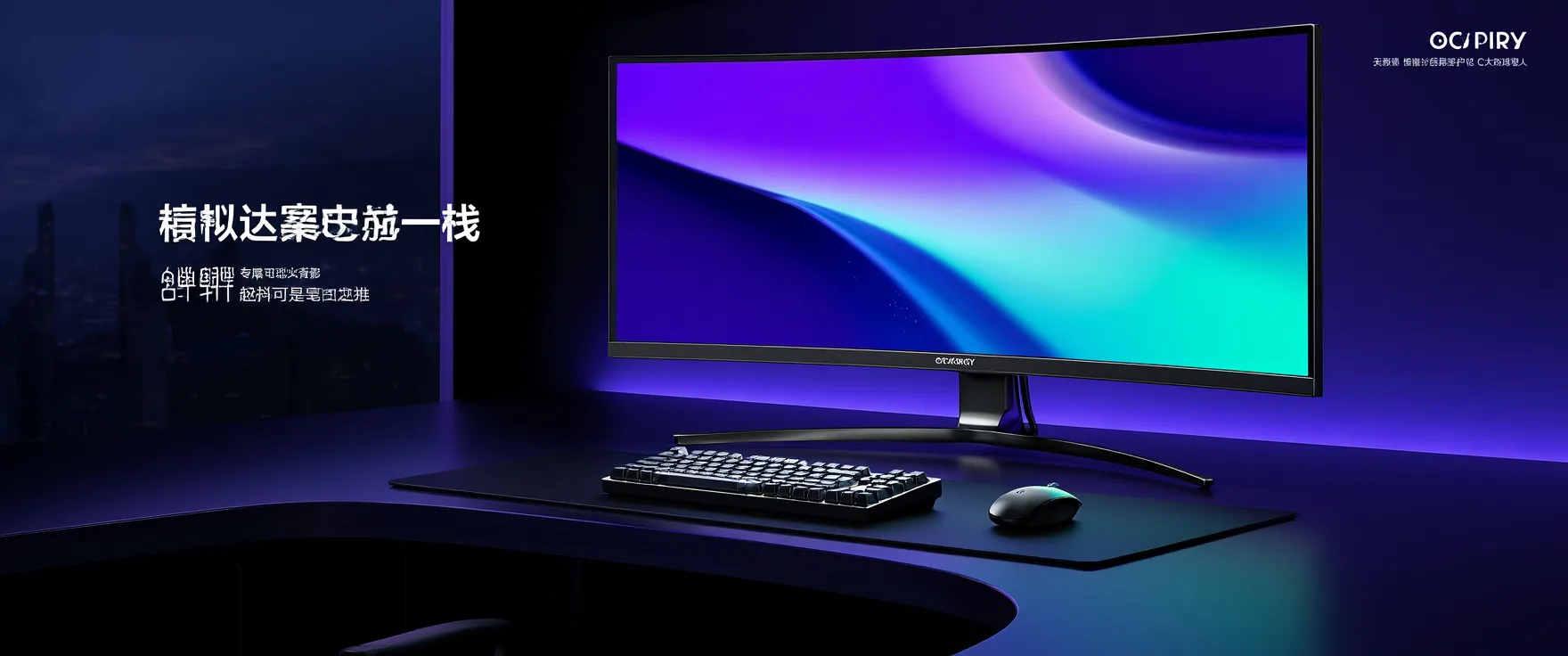
I spent six months on a 34-inch, 3440x1440 ultrawide so you don’t have to — or so you can buy one guilt-free. The short version: it’s the best single-monitor setup I’ve used, and it’s not the productivity miracle the marketing promised.
What 3440x1440 actually gives you
The resolution is 21:9 — roughly a 27-inch 1440p monitor with an extra third tacked on the side. That extra third is the whole game:
- Editor + terminal + preview, side by side, without tiling. Code left, terminal middle, dev server right. No alt-tabbing, no window manager gymnastics.
- Two full browser windows with genuinely readable content, or a wide IDE layout that a 16:9 screen would squash.
- 3440px of horizontal space is about 86 columns of code plus a file tree plus a terminal at comfortable sizes. Not more pixels than a 4K, just better-placed ones.
The honest downsides
- Vertical space is the real bottleneck. 1440 rows is fine, but a 27-inch 4K at 150% scaling gives you comparable width and more height. If you live in tall diffs and long methods, the ultrawide’s missing 400 pixels of height will annoy you daily.
- Curve is a feature, not a gimmick — at 34 inches, a flat panel means your peripheral vision fights the edges. VA panels in this tier can smear in dark mode scrolling; check for a good response time.
- The window manager tax. Without a tiling helper (FancyZones on Windows, Rectangle on macOS, or a WM on Linux), you’ll waste the width fighting snap layouts. Plan for it.
- Dual monitors still win for one thing: separation. When you need a full-screen video call and a full-screen IDE and you want them truly independent — including independent brightness and orientation — two panels still beat one.
Who it’s for
You’re the target buyer if you work in a single window most of the day — IDE-centric workflows, data analysis, long-form writing — and you want one clean cable, one power draw, and a desk that doesn’t look like mission control. Add a second vertical monitor later if you truly need the height; the ultrawide plays fine as the primary.
You should skip it if you run many small windows, if your GPU drives 4K gaming at high refresh (1440p ultrawide at 144Hz needs less power — that’s a point for it), or if your desk is under 120cm. And check your laptop’s USB-C output: not all of them push 3440x1440 at the panel’s max refresh rate.
The verdict
As a productivity purchase, an ultrawide is a moderate, real win — maybe 10–15% fewer context switches, not the 2x the ads imply. As a comfort purchase, it’s excellent: one cable, one panel, an immersive code view, and a desk that feels calm.
Mine has been on for six months and I haven’t missed the second monitor once. The neck-ache from swivelling between two screens, however, I have not missed at all. If you spend eight hours a day in an editor, that trade alone is worth the price of admission.
Written by
Sten
Senior Editor
Builds AgenticOS and runs a homelab full of containers, GPUs and experiments.
Keep reading
Related articles

Genuinely Free Tools That Beat Paid Alternatives
Not 'free trial' free — actually free. The password manager, photo backup, design suite, and analytics stack that are not just free but genuinely better than what you're paying for.
RTX 4080 for Local AI: A Year of Hands-On Verdicts
A year of running local AI on an RTX 4080 — the 16GB VRAM ceiling, ComfyUI throughput, llama.cpp tokens per second, and the honest verdict on whether it was worth the money.